Getting Started
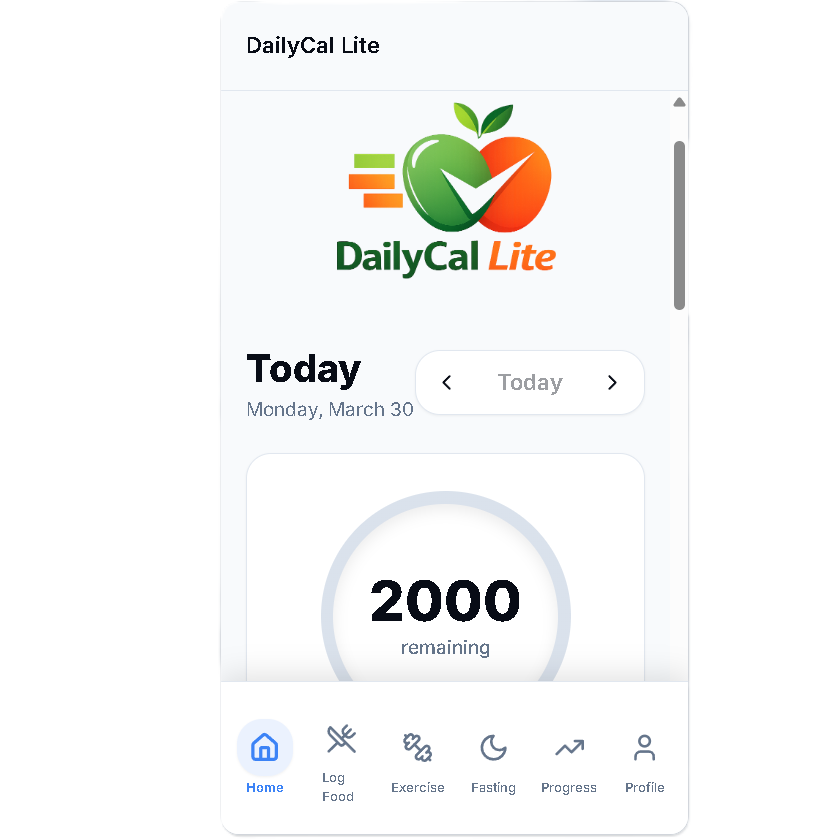
Start by clicking the "Profile" button in the bottom right corner of the screen
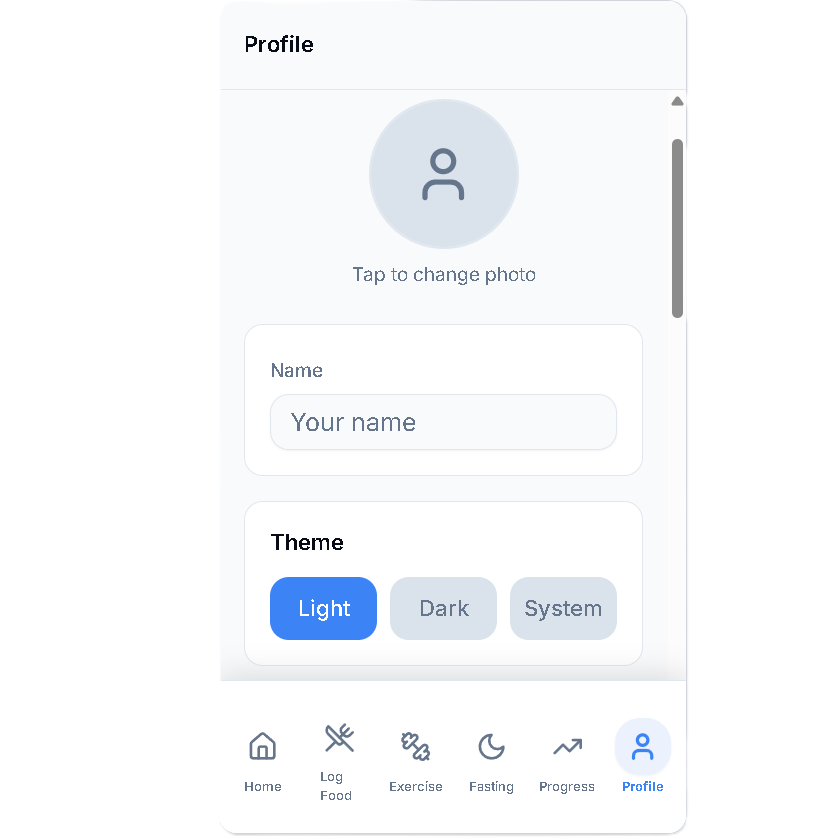
Tap the profile "Photo" button at the top to add a favorite photo or selfie. Enter your name in the box. The photo and name are not required to use the app, They are just their for the user to personalize and are local to the users device only.
Under "Theme", select a "Light" or "Dark" look for the app. If "System" is selected, the app will follow whatever automated brightness the device is set for.
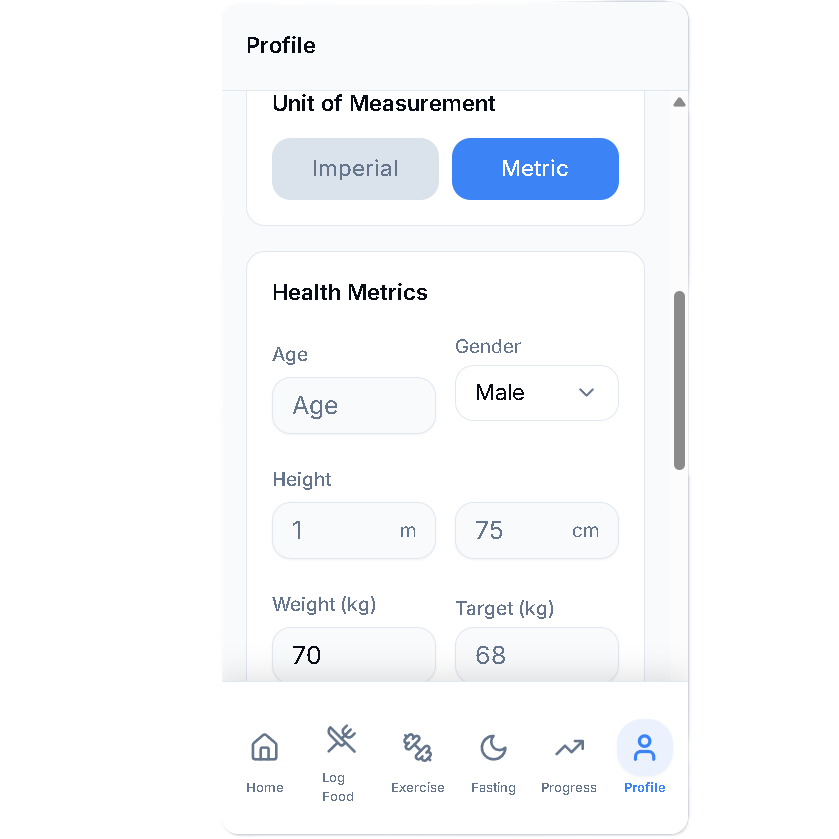
Select weather you want the app to display U.S Imperial or Metric units of liquid and weight. Enter your "Age", "Gender", and "Height" in the following boxes. Enter your current "Weight" and the "Target" weight that you want to achieve.
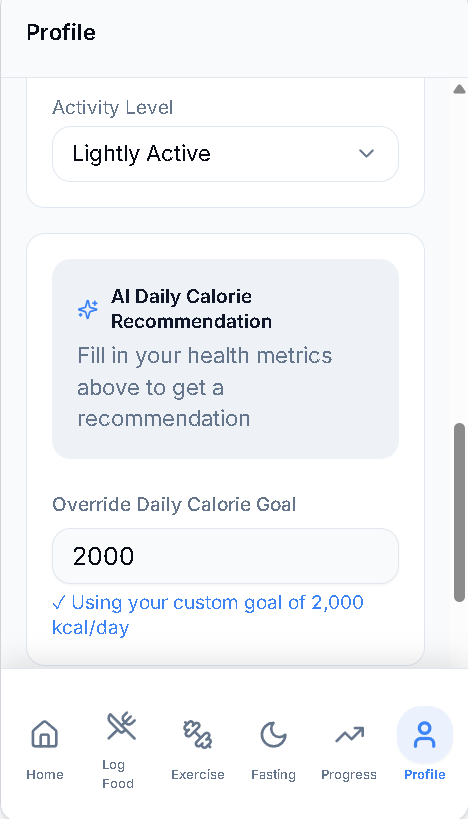
From the dropdown menu, select the activity level that best fits your lifestyle. AI will now calculate a recommended calorie limit per day for healthy weight loss. You can over-ride this value and insert your own daily calorie goal in the "Override Daily Calorie Goal" box. You can adjust up or down from the AI recommendation to suit your individual weight loss goals.
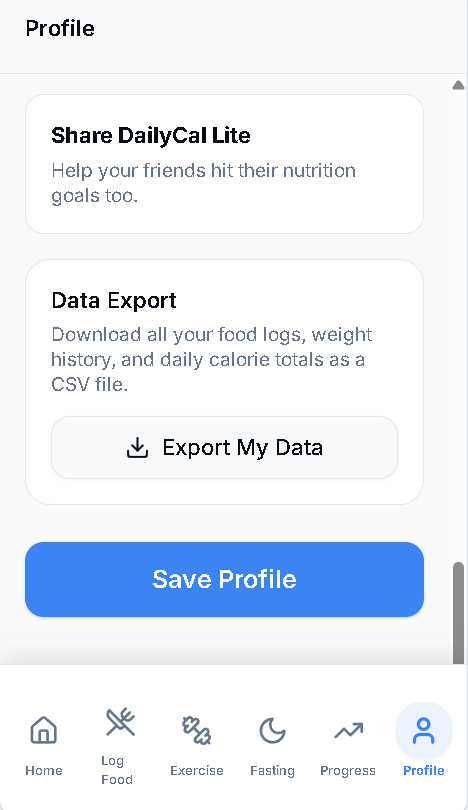
Once you have entered all of your information, click on "Save Profile". If you are using the app on a desktop or laptop device, you can export your data to a spreadsheet by pressing the "Export My Data" button.